
Free Chrome Extension
TikGhost, right in your toolbar.
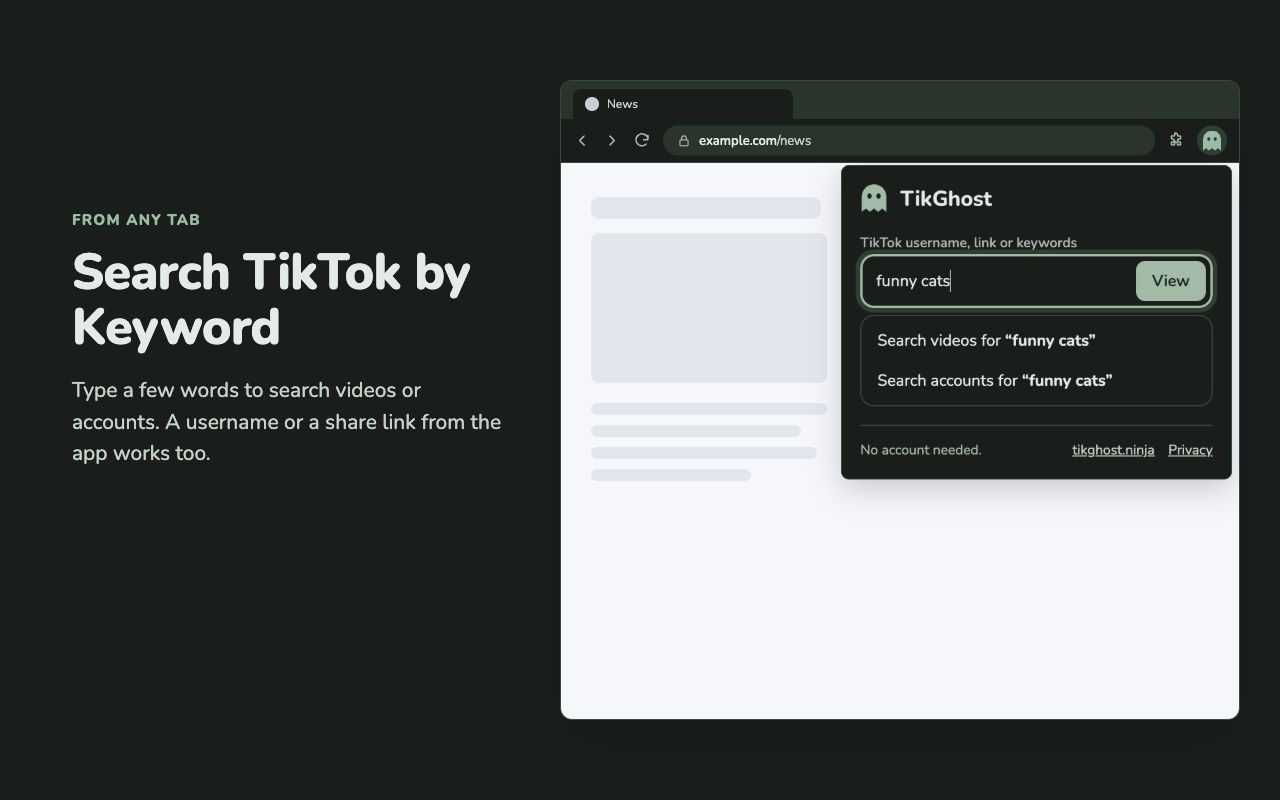
Pin TikGhost to your Chrome toolbar. Open the popup to search, paste a TikTok link, or select tikghost.ninja to return to the site.
View in Chrome Web Store (opens Chrome Web Store in a new tab)For desktop Chrome. Free, with no sign-up.
Install it. Pin it. Use it.
- 01
Add the extension
Open the Chrome Web Store, select Add to Chrome, then confirm Add extension.
- 02
Pin TikGhost
Open Chrome’s Extensions menu, find TikGhost and select the pin beside it.
- 03
Open it from any tab
Click the ghost icon to open the popup. Search there, or select tikghost.ninja at the bottom to return to the website.
A few things to know
Can I open the TikTok page I’m viewing?
Yes. On a TikTok profile or video, the popup offers a button to open it in TikGhost, plus shortcuts to downloads, comments, followers and more. You can also right-click a TikTok link and choose “View on TikGhost”. Viewing, downloads and exports happen on the TikGhost website.
What does the extension access?
Only when you use it: the current tab’s address, a link you right-click, or text you select to search. It sends the link or search you choose to TikGhost. It does not read pages in the background or store data.
Can I use it on my phone?
This extension runs in Chrome on a computer. On your phone, you can use the TikGhost website directly, without installing anything.
Need a hand?Contact usPrivacy policy